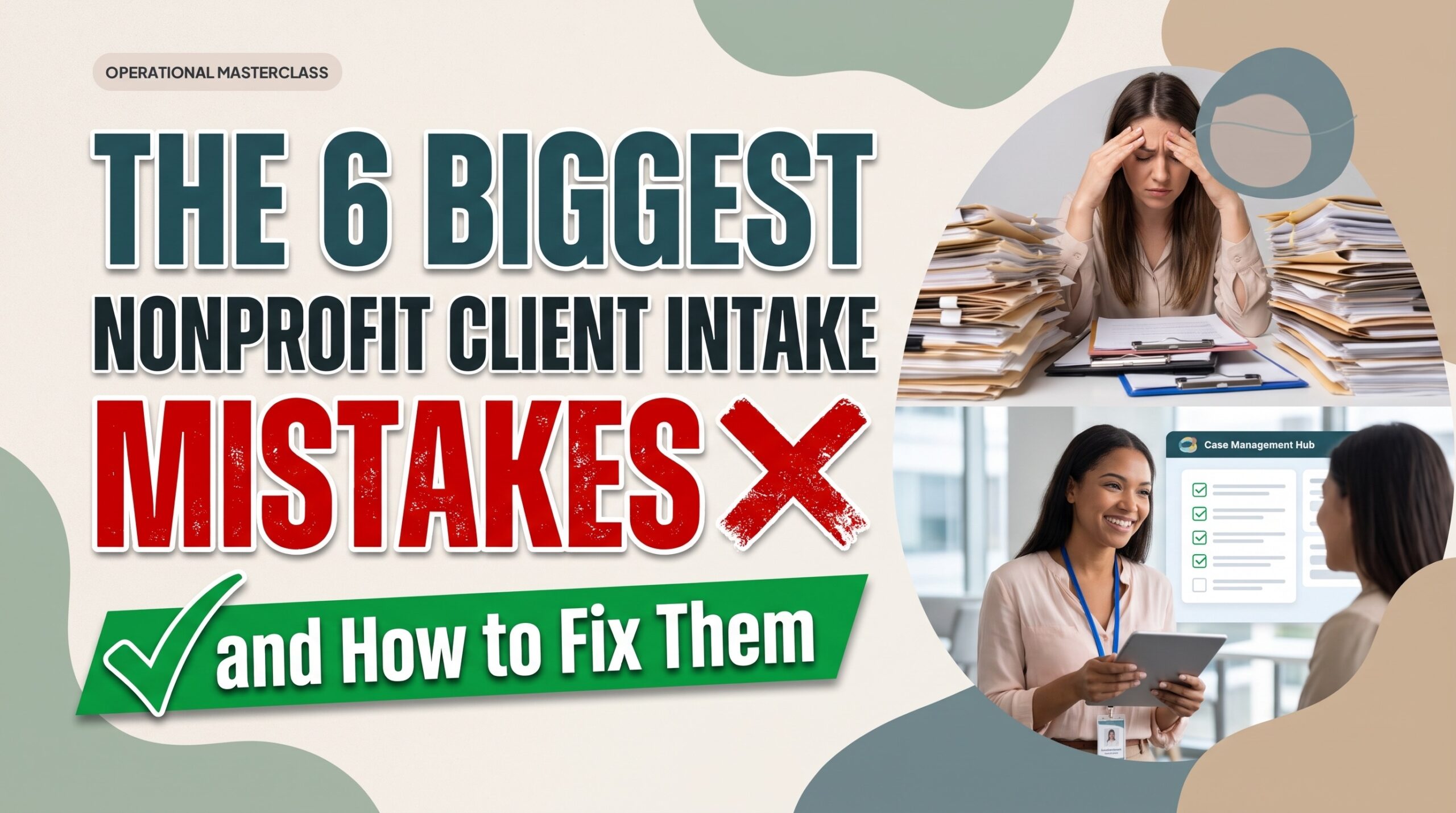
Modernizing nonprofit intake: less paperwork, better privacy, faster care.
When a client walks through the doors of a community health center, calls a crisis line, or submits an online inquiry for emergency housing, they are frequently navigating acute vulnerability, financial distress, or systemic trauma. That initial touchpoint sets the tone for their entire journey with your agency. Yet in social service organizations across the country, intake has devolved into an administrative obstacle course defined by redundant questionnaires, illegible handwritten packets, and prolonged waiting periods.
The operational toll of these inefficiencies is staggering. A national workforce analysis by the National Child Welfare Workforce Institute revealed that frontline caseworkers spend between 50% and 60% of their working hours on administrative documentation and compliance paperwork instead of providing direct client care. When caseworkers spend more time wrestling with paperwork than engaging participants, agency morale plummets, client abandonment rates climb, and critical grant funding is jeopardized by inaccurate reporting. Auditing and fixing your intake operations is not merely a technical upgrade; it is a clinical and organizational necessity that directly impacts client outcomes and staff retention.
Let’s get started
Watch this video:
or
read the guide below.
What You’ll Learn in This Guide:
- The root operational drivers behind high client drop-off during initial onboarding.
- How unstandardized intake fields corrupt grant metrics and community reporting.
- Phased screening protocols that collect vital data without retraumatizing clients.
- Strategies for isolating high-risk crisis disclosures for immediate clinical intervention.
- Practical methods to eliminate duplicate client profiles across multi-program agencies.
- How to configure digital intake tools to protect client confidentiality under HIPAA rules.
💡All-in-one Case Management Software.
Everything in one place: clients, notes, forms, appointments, reports, and outcomes.
👉 Try it Free - No credit card needed
Why Does the Initial Client Intake Process Break Down in Human Services?
Nonprofit intake operations do not fail because caseworkers lack empathy or dedication. They fail because social service agencies are forced to adapt to shifting regulatory mandates, municipal contracts, and diverse grant reporting requirements. Over years of operation, agencies continuously add questions to their onboarding forms to appease new funders, creating massive intake packets that can exceed twenty pages.
When organizations manage this intake load using paper forms, unencrypted PDFs, or disconnected spreadsheets, staff spend half their shift retyping basic demographic details across multiple tools that do not communicate with each other. This administrative friction inflates the client intake drop off rate human services programs fight every day. Families facing housing instability or food insecurity simply walk away when confronted with endless, repetitive paperwork. Understanding where these administrative breakdowns occur allows leadership to rebuild a structured, trauma-informed front door.
What Are the 6 Biggest Nonprofit Client Intake Mistakes?
Addressing systemic onboarding failures requires pinpointing the exact operational habits that compromise service delivery. The following six nonprofit client intake mistakes represent the most damaging barriers facing modern agencies, along with the concrete protocols required to correct them.
1. Forcing Clients and Staff into Disconnected Paper Packets
Relying on physical paper forms, static Word documents, or non-fillable PDFs creates an immediate operational bottleneck. Physical records are prone to misplacement, manual data entry causes transcription errors, and caseworkers must spend hours manually transferring written responses into desktop databases. Furthermore, paper-heavy workflows alienate clients who lack home printers, reliable transportation, or desktop computers, forcing them to spend limited financial resources just to return documentation.
The Operational Protocol: Transition entirely to digital intake forms for case management that operate through secure web links and mobile-responsive screens. Intake forms should sync directly with your centralized database. When a participant enters their name, contact information, and household size on a smartphone, those data points must instantly populate their central client profile and feed directly into organization-wide analytics dashboards without requiring human re-keying. For strict government forms that cannot be altered, provide an encrypted upload portal where participants can submit signed PDF documents directly from their mobile camera.
2. Fracturing Client Records Across Disconnected Spreadsheets
When programs within the same agency operate in functional silos, participants receiving multi-faceted assistance are subjected to duplicate intake interviews. A mother seeking emergency utility relief through a community action program should not have to provide her household income, proof of residency, and family composition a second time when enrolling in job placement or behavioral health services. When caseworkers maintain separate spreadsheets for separate funding streams, the organization accumulates thousands of orphaned records, conflicting contact details, and inaccurate unduplicated client counts.
The Operational Protocol: Deploy specialized duplicate client record prevention software centered on persistent unique identifiers, specifically validated phone numbers or primary email addresses. When a participant completes an intake form, the system searches the master database for matching identifiers. If a match exists, the software attaches the new program enrollment to the existing historical record rather than generating a duplicate client profile. If duplicate records already exist due to legacy data migrations, administrators should utilize automated deduplication tools to merge files while preserving all associated case notes, documents, and past assessments under one primary identification number.
3. Subjecting Vulnerable Individuals to Traumatizing Data Collection
Clinical best practice mandates a trauma informed intake process, yet many agencies subject new applicants to invasive historical interrogations during their initial visit. Forcing individuals to document past sexual abuse, domestic violence history, or generational trauma on self-service intake forms before an advocate has established safety and rapport causes profound psychological distress. When applicants feel interrogated rather than supported, they frequently abandon the onboarding process entirely.
The Operational Protocol: Align agency intake workflows with established social work client intake best practices by instituting a tiered data collection model. The initial intake form must focus strictly on basic demographic eligibility, primary physical needs, communication preferences, and immediate physical safety. Reserve detailed psycho-social histories and clinical evaluations for subsequent one-on-one sessions once a caseworker has built genuine rapport with the client. Clearly articulate on every form why each piece of information is requested and how client data will be protected.
4. Overlooking Immediate Crisis Indicators During Initial Screening
Lengthy, unstandardized intake paperwork often buries acute crisis signals beneath pages of routine demographic questions. When intake staff process dozens of physical forms every week, critical disclosures regarding suicidal ideation, severe postpartum depression, or active domestic danger can sit unread in an inbox for days before a supervisor reviews the file.
The Operational Protocol: Embed standardized crisis screening during intake using validated, automated risk assessment screening tools such as the PHQ-9 for depression or the GAD-7 for generalized anxiety. By utilizing digital rating fields with automated scoring keys, the intake system can automatically tally clinical risk scores upon submission. If an applicant’s assessment score crosses a predetermined threshold indicating moderate or severe crisis, the platform must automatically dispatch an urgent notification to on-call clinical supervisors, triggering an immediate safety check before the file even reaches a general caseload.
5. Mixing Unvetted Inquiries Directly into Active Caseloads
A common mistake among growing nonprofits is generating a complete, active client profile for every community inquiry, unvetted web submission, or walk-in consultation. When unverified prospects are mixed into active program caseloads, staff spend hours chasing inactive leads, program capacity numbers become artificially inflated, and grant managers cannot accurately report true service enrollment rates to funders.
The Operational Protocol: Establish a disciplined nonprofit referral triage process. Route incoming public inquiries and community partner referrals into a segregated “Pending Referral” holding pipeline. In this triage space, intake specialists review eligibility, assess program capacity, and verify documentation. Only after eligibility is confirmed does a staff member execute a one-click profile conversion, formally enrolling the individual into an active program and assigning a dedicated caseworker.
6. Exposing Sensitive Client Disclosures to Unauthorized Staff
Paper records filed in unlocked cabinets, intake clipboards sitting on reception counters, and shared agency spreadsheets introduce catastrophic client confidentiality risks during intake. In many organizations, volunteer intake workers, front-desk staff, and student interns have unfettered visibility into clinical diagnosis codes, substance abuse histories, and domestic violence protective orders. This violates federal HIPAA privacy standards and shatters the trust of vulnerable participants.
The Operational Protocol: Standardize onboarding using HIPAA compliant intake forms for nonprofits operating within case management software with role based permissions. Configure granular access roles ensuring frontline intake volunteers can only view basic demographic fields and schedule appointments, while clinical notes, sensitive screening results, and diagnostic histories remain restricted to authorized caseworkers and supervisors. Ensure your digital infrastructure maintains an automated administrative audit log tracking every user login, file view, export, and record deletion.
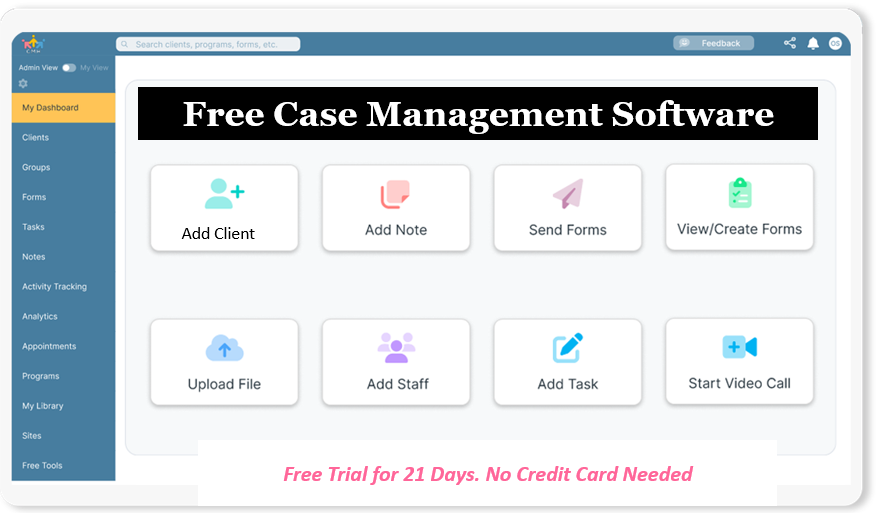
👉 Try it Free - Free Case Management System
How Do Digital Tools Streamline Nonprofit Client Intake?
Modernizing onboarding requires moving away from manual paper tracking and disconnected files toward an integrated software ecosystem. By establishing automated workflows, agencies eliminate administrative bottlenecks and accelerate the delivery of vital care.
- Self-Service Digital Distribution: The agency deploys mobile-optimized digital intake links and QR codes across its website, partner network, and reception kiosks, allowing clients to complete intake paperwork from any location.
- Automated Identity Verification: As the submission is processed, the system scans the master database using unique phone numbers or email addresses, automatically updating existing records or flagging duplicates for supervisor review.
- Automated File Generation and Field Mapping: The intake platform automatically creates a standardized client record, filing uploaded identification cards into an auto-generated document folder and mapping demographic data directly into program reporting metrics.
- Intelligent Program Routing: Pre-configured intake logic assigns the incoming file to the appropriate departmental caseload based on the participant’s requested services and geographic location, notifying the assigned worker via email.
- Real-Time Clinical Risk Alerts: The platform calculates scores on embedded assessment scales, instantly alerting clinical staff if crisis thresholds are reached and automatically populating initial onboarding goals on the client’s action plan.
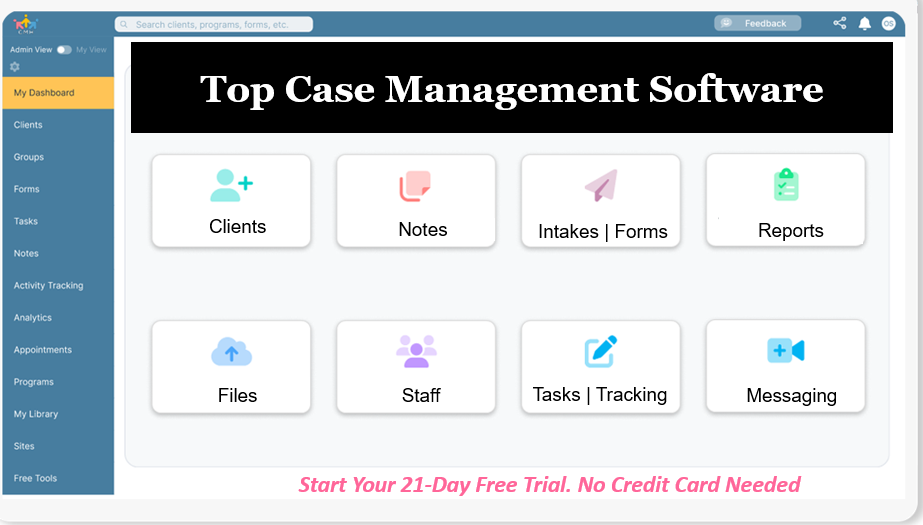
All-in-One Case Management Software
Sign Up Today, Free
No credit card needed!
Do You Have a Team? | ||
Our best all-in-one client and top case management software simplifies everything from client intake and assessments to programs, projects, goals tracking, planning, scheduling, documentation, reporting dashboard, and progress tracking.
How Does Manual Intake Compare to Automated Onboarding?
Transitioning to automated client onboarding case management transforms everyday operations for social service professionals.
| Intake Operational Dimension | Traditional Manual Workflow | Automated Digital Infrastructure |
| Data Collection Method | Physical clipboards, paper packets, and static PDF downloads | Interactive, mobile-friendly digital forms and public portal links |
| Data Integrity & Deduplication | High incidence of duplicate files and misspelled contact records | Automated unique identifier matching and single-click record merging |
| Crisis Screening Response | Manual review of physical forms; high-risk disclosures sit unread for days | Automated clinical scoring with immediate emergency supervisor alerts |
| Staff Administrative Burden | Caseworkers spend 50% to 60% of their workday typing and transcribing data | Data syncs automatically across profiles, forms, and reporting modules |
| Client Privacy & Access Control | Physical paper charts and shared spreadsheets visible to all agency personnel | Granular role-based permissions, data encryption, and full audit logging |
| Grant & Funder Reporting | Days spent manually sorting, counting, and compiling paper files into spreadsheets | Real-time visual reporting filtered by program, demographics, and outcomes |

People Also Ask: Nonprofit Client Intake Best Practices
How can our agency reduce client intake drop-off rates immediately?
Cut non-essential questions from your initial intake form, ensuring applicants can complete the initial step on a smartphone in under seven minutes. Follow up within twenty-four hours using automated SMS or email confirmations to schedule an initial interview.
What is the distinction between intake screening and clinical assessment?
Intake is an administrative and eligibility triage step designed to determine service fit, basic safety, and contact information. Clinical assessment is an ongoing diagnostic and evaluative process conducted by qualified professionals to establish individualized care plans.
How can human service agencies prevent intake documentation errors?
Replace open-ended text fields with structured single-select dropdown menus and multi-select checkboxes for addresses, funding programs, and demographics. Structured fields eliminate typos, standardize agency records, and ensure clean data aggregation for grant audits.
What are the core components of a trauma-informed intake form?
A trauma-informed form includes transparent explanations of why data is collected, clear opt-out options for sensitive questions, and direct statements regarding confidentiality boundaries. It prioritizes the client’s immediate physical comfort, language preferences, and safety needs over exhaustive personal histories.
How does automated intake technology assist small nonprofit teams?
Automation acts as a digital administrative assistant by logging records, routing referrals, and organizing files without requiring dedicated IT staff. This allows small teams of two or three social workers to manage substantial caseloads efficiently without experiencing burnout.
How do you conduct digital intake for clients who lack computer literacy or internet access?
Equip frontline caseworkers with tablets to conduct assisted intake interviews in the field or in your agency lobby. Caseworkers enter responses directly into the digital system on behalf of the client, preserving clean data while maintaining human connection.
Why Should Nonprofits Choose Case Management Hub for Intake Workflows?
If your organization is drowning in administrative paperwork, navigating fragmented client spreadsheets, or struggling to maintain compliance across multiple programs, enterprise platforms with months of technical setup are not the answer.
Case Management Hub is an all-in-one, HIPAA-compliant case management platform built specifically for nonprofits, social workers, and human service organizations. The platform centralizes client records, digital intake forms, progress notes, appointment booking, and grant reporting in one intuitive workspace.
With customizable digital form builders, automated client deduplication, built-in standardized assessment scoring (including PHQ-9 and GAD-7), and granular staff permission controls, your agency can launch a professional, person-centered intake process on day one.
Eliminate paperwork bottlenecks and empower your caseworkers to spend their time making a direct difference. Start your 21-day free trial today with no credit card required.
Frequently Asked Questions About Nonprofit Client Intakes
How can our agency transition from paper intake forms to digital onboarding without disrupting ongoing client care?
Transitioning to digital intake does not require shutting down your intake department or losing historical context. Begin by using pre-configured electronic intake templates for social workers to digitize your initial screening form. Run your digital intake forms in parallel with existing workflows for two weeks, allowing staff to become comfortable collecting data on tablets or sending links via email and text. Historical client records and past form submissions can then be imported directly via standardized spreadsheets, instantly establishing client profiles and historical dates in your central database.
How do we prevent duplicate records when clients re-apply under different names or phone numbers?
Duplicate records usually arise when databases match only on exact spelling of first and last names. A modern intake database prevents this by using primary phone numbers and email addresses as immutable unique identifiers. If an applicant applies under a nickname or married name but enters a matching phone number, the system routes the entry to the existing profile rather than generating a new file. If duplicates already exist, administrators can perform a merge duplicates action to combine the profiles, automatically transferring all case notes, uploaded files, completed forms, and appointment histories into a single designated primary record.
What are the essential HIPAA compliance rules regarding online client intake forms?
HIPAA compliance requires that all electronic Protected Health Information (ePHI) gathered during intake is encrypted both in transit (using modern SSL/TLS encryption) and at rest on secure servers. The intake software must mandate unique user logins, automatic session logouts, and role-based permissions that prevent unauthorized internal staff from viewing protected health records. The software vendor must also execute a formal Business Associate Agreement (BAA), and the platform must maintain an immutable administrative audit log tracking every user action, record edit, and data export.
How do we handle incoming referrals from external partner organizations without creating administrative bottlenecks?
Managing partner referrals efficiently requires replacing unmonitored email inboxes with structured case management software with referral tracking. By embedding a dedicated partner referral form on your agency website, external healthcare providers, schools, and partner charities can submit prospective client details securely. The incoming submission enters a dedicated referral management table where intake staff can review notes, check program capacity, and determine eligibility. Eligible referrals can be converted into active clients with a single click, automatically generating their profile, notifying the assigned caseworker, and logging the referral source for funder analytics.
How can our nonprofit measure whether our intake workflow improvements are actually succeeding?
To measure the success of an intake overhaul, leadership should monitor three operational metrics: intake-to-service velocity, intake abandonment rate, and data error frequency. Track the total business hours that elapse between an initial intake inquiry and the delivery of a client's first substantive service. In an optimized digital system, intake-to-enrollment cycle time frequently drops from weeks to less than forty-eight hours, while form drop-off rates decline significantly as mobile accessibility increases.
How do role-based permissions protect client dignity in community organizations that utilize volunteers?
Community organizations often rely on dedicated volunteers, interns, and front-desk personnel to assist with reception and administrative duties. However, ethical standards and confidentiality regulations require strict information barriers. Role-based permission controls allow agency administrators to establish restricted roles. A front-desk volunteer can be granted permission to enter basic contact details and book appointments while being completely blocked from accessing clinical assessments, SOAP progress notes, sensitive file uploads, or billing information.
👉 Try it free today - No credit card needed
Note: Content on this website (socialworkportal.com) is copyrighted and protected under applicable copyright laws. Unauthorized reproduction, distribution, or use of any content from the website, without explicit written permission, is strictly prohibited. Read: Terms of Use.
Social Work Portal Disclaimer: Social Work Portal is not a social work agency and we do not refer social workers. This web site is provided for educational and informational purposes only and does not constitute providing medical advice or professional social and healthcare services. The information provided should not be used for diagnosing or treating a health problem or disease, and those seeking personal medical advice should consult with ... Read our full disclaimer here: Social Work Portal Disclaimer.