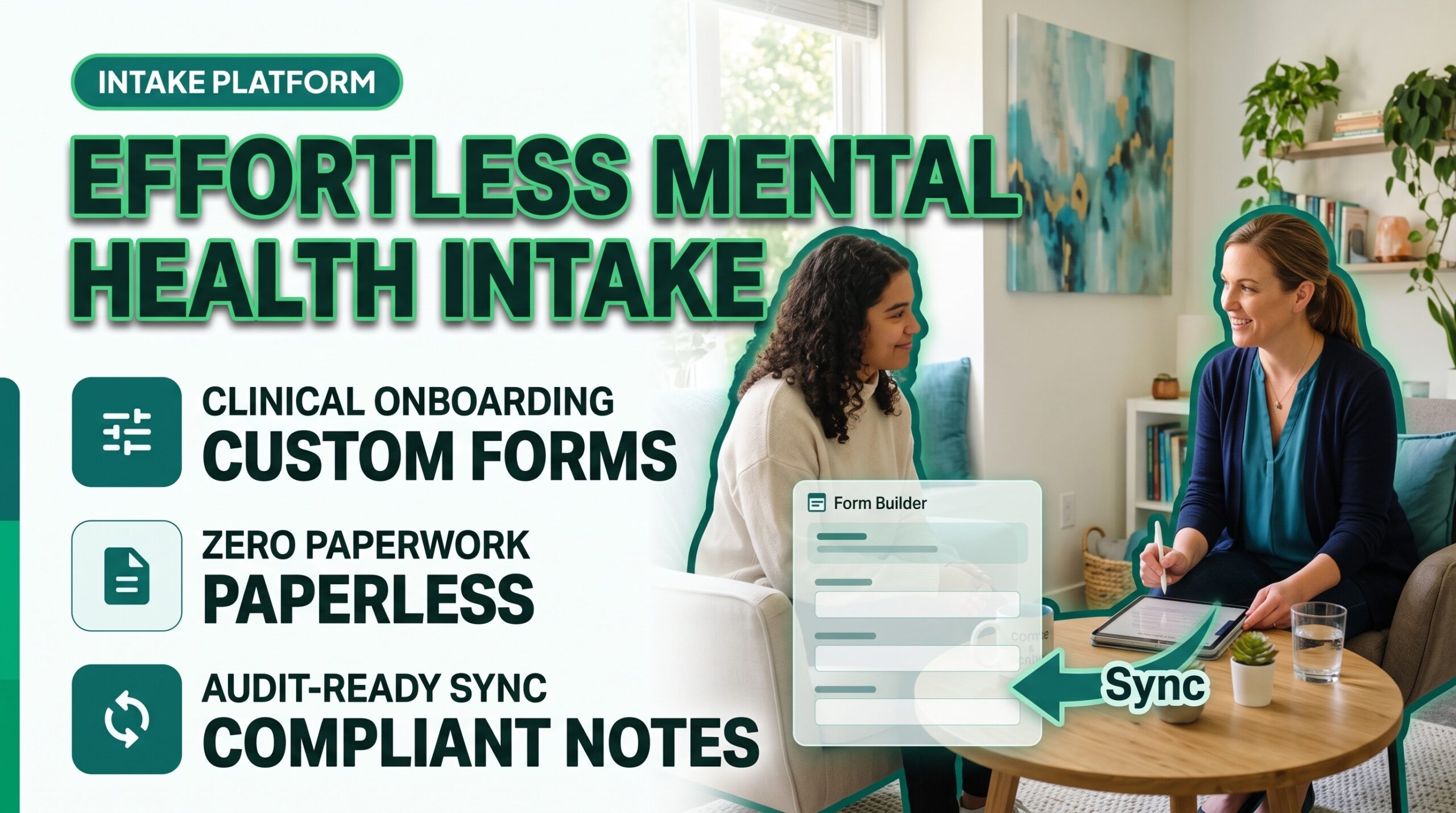
Transform Clinical Onboarding Into an Automated, Compliant Workflow
Client onboarding sets the tone for the entire therapeutic alliance, yet manual paperwork remains one of the largest administrative burdens in behavioral healthcare. Clinicians frequently lose valuable clinical hours decoding handwritten assessments, chasing unsigned practice policies, and manually transcribing demographic details into disconnected systems.
When intake workflows are fragmented, client engagement drops before the initial consultation even occurs, increasing cancellations and administrative burnout. Designing an adaptable, automated intake process resolves these operational bottlenecks while maintaining strict regulatory standards.
Let’s get started
Watch this video:
or
read the guide below.
What You’ll Learn in This Guide
- How to balance clinical utility with legal and ethical considerations in mental health intake documentation
- Core assessment domains required for psychiatric, therapy, and case management intakes
- Tactical strategies to cut intake completion drop-off and reduce initial session no-shows
- A side-by-side operational comparison of paper workflows versus digital automation
- Step-by-step methods to deploy secure, custom intake questionnaires using modern software
💡All-in-one Case Management Software.
Everything in one place: clients, notes, forms, appointments, reports, and outcomes.
👉 Try it Free - No credit card needed
Why Is Customizing Your Mental Health Intake Form Essential for Clinical Outcomes?
Every behavioral health discipline operates under unique clinical paradigms. A psychiatric intake demands granular medical histories, past psychotropic medication trials, and somatic symptom tracking. In contrast, an intake for Licensed Marriage and Family Therapists (LMFTs) must evaluate relational dynamics, systemic stressors, and family-of-origin patterns. Using static, one-size-fits-all intake packets forces clinicians to spend the first 20 minutes of an assessment clarifying missing data rather than establishing rapport.
Custom intake forms allow practitioners to gather targeted clinical details before the client sits down in the consultation room. According to data published by the Substance Abuse and Mental Health Services Administration (SAMHSA) in the National Survey on Drug Use and Health (NSDUH), tens of millions of American adults navigate mental health conditions annually. As community demand increases, providers must identify presenting concerns rapidly and accurately.
When your onboarding captures primary symptoms, risk markers, and personal goals upfront, you can formulate diagnostic conceptualizations faster, minimize diagnostic oversight, and structure an intentional roadmap for the initial clinical interview.
What Should You Include in a Comprehensive Mental Health Intake Form?
An effective clinical questionnaire captures necessary diagnostic data without overwhelming a client experiencing acute distress. High-converting, clinically robust intake packets typically organize data into four core structural tiers:
- Administrative & Demographic Foundation: Client legal name, chosen name, pronouns, date of birth, emergency contacts, billing preferences, and employment parameters.
- Clinical History & Presenting Concerns: Reason for seeking treatment, symptom duration, previous psychiatric hospitalizations, outpatient psychotherapy history, family psychiatric trends, and current coping mechanisms.
- Medical & Biopsychosocial History: Current medications, prescribing physicians, substance use patterns, sleep hygiene, and relevant chronic medical conditions.
- Practice Policies & Legal Disclosures: Practice consent for treatment, telebehavioral health consent, cancellation and fee policies, and acknowledgment of HIPAA Notice of Privacy Practices.
Tailoring sections based on specialty ensures high clinical relevance. For example, clinicians evaluating trauma histories should omit overly explicit prompts on digital forms to prevent retraumatization before a safe container is established, focusing instead on overarching symptom inventories.
👉 Try it Free - Free Case Management System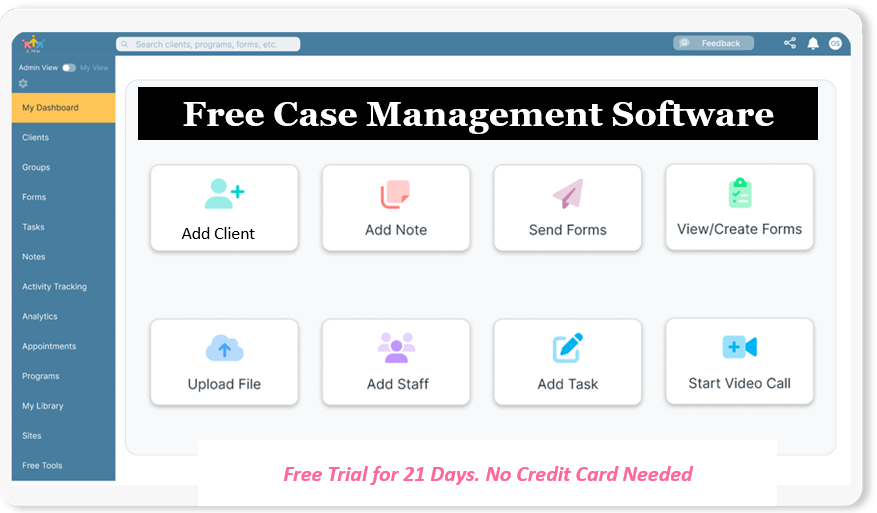
How Do You Ensure Clinical Intake Form Compliance and HIPAA Requirements?
Managing protected health information (PHI) requires technical, physical, and administrative safeguards. The U.S. Department of Health and Human Services (HHS) enforces strict standards regarding the storage, collection, and transmission of electronic protected health information (ePHI) under the HIPAA Security Rule.
To protect your license and maintain ethical practice guidelines:
- Execute Business Associate Agreements (BAAs): Any vendor providing online mental health assessment form builders or intake software must execute a signed BAA confirming their legal obligation to safeguard ePHI.
- Implement End-to-End Encryption: Intake responses, uploaded identification cards, and payment details must utilize robust encryption protocols (such as AES-256 at rest and TLS 1.2+ in transit).
- Maintain Legally Valid Electronic Signatures: Digital consent forms must capture audit-trailed timestamps, IP addresses, and unique user identifiers that satisfy federal ESIGN and state digital signature statutes.
- Align with Professional Association Guidelines: The National Association of Social Workers (NASW) Standards for Technology in Social Work Practice mandate that practitioners verify client identity, assess technological literacy, and ensure confidential digital transmission at all stages of service delivery.
How Digital Tools Streamline Mental Health Intake Workflows
Transitioning from manual intake collection to automated workflows eliminates administrative redundancies and creates a seamless client journey:
- Step 1: Automated Dispatch Upon Scheduling: When a client schedules an initial consultation, the system automatically delivers a welcome email containing an encrypted portal link to complete their digital mental health intake form templates.
- Step 2: Dynamic Conditional Logic: Clients encounter only questions relevant to their situation. If a client selects “No” under history of previous psychiatric medication, the system automatically hides subsequent questions regarding dosage and prescribing physicians, preventing form fatigue.
- Step 3: Real-Time Data Validation: Mandatory fields ensure that critical items (such as emergency contacts, insurance identifiers, and signed consent forms) cannot be bypassed, eliminating the administrative task of hunting down missing signatures.
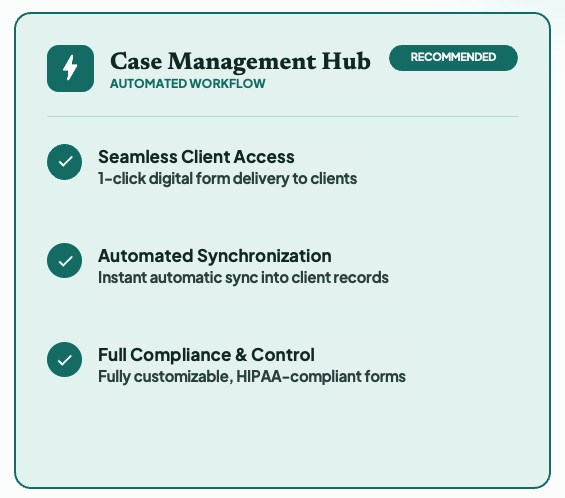
- Step 4: Automatic Chart Population: Responses instantly populate the client profile, diagnostic assessment templates, and billing master files inside your case management system without manual data entry.
- Step 5: Clinical Review Prior to Intake: Practitioners review structured psychosocial background, clinical baseline screeners, and presenting concerns before the session begins, arriving prepared with an informed therapeutic plan.
Do You Have a Team? Our best all-in-one client and top case management software simplifies everything from client intake and assessments to programs, projects, goals tracking, planning, scheduling, documentation, reporting dashboard, and progress tracking.All-in-One Case Management Software
Sign Up Today, Free
No credit card needed!
Workflow Comparison: Manual Processing vs. Automated Digital Intake
| Workflow Dimension | Traditional Manual / Paper Intake | Automated Digital Intake Workflow |
| Delivery Method | Clipboard in waiting area or non-secure PDF attachments | Automated, secure, mobile-friendly client portal links |
| Completion Rate | Lower; rushed completion causes omitted fields and errors | Higher; clients complete forms at their own pace before visits |
| Data Integrity | Prone to unreadable handwriting and missed signatures | Standardized fields with conditional logic and required inputs |
| Administrative Labor | 20 to 35 minutes per client spent typing and scanning | 0 minutes; answers map straight into clinical charts |
| Compliance Security | Physical storage risks, unlocked clipboards, lost faxes | AES-256 encrypted database with signed vendor BAAs |
| Impact on First Session | First 15 minutes consumed by paperwork verification | Full session dedicated entirely to therapeutic rapport |
Can Custom Intake Forms Directly Reduce Client No-Shows?
Client no-shows and late cancellations compromise practice cash flow and impede timely clinical interventions. A major contributor to initial appointment no-shows is low pre-session engagement and ambiguous practice policies.
When clients receive structured digital intake forms that outline what to expect, establish clear boundaries regarding cancellation fees, and validate their reasons for seeking care, their psychological investment in the process increases. Furthermore, modern platforms pair automated intake requests with integrated SMS and email appointment reminders, confirming that the client has both completed their documentation and marked the appointment on their calendar.

People Also Ask
What are the legal requirements for digital mental health intake forms?
Digital mental health intake forms must comply with HIPAA Privacy and Security Rules by using secure platforms that encrypt PHI at rest and in transit. The software provider must execute a Business Associate Agreement (BAA) with your practice. Additionally, forms must collect legally binding electronic signatures that comply with federal ESIGN and state-level healthcare documentation standards.
How long should a clinical mental health intake form take to complete?
A comprehensive mental health intake form should typically take a client between 15 and 25 minutes to complete. Forms exceeding 30 minutes often result in high abandonment rates and incomplete answers. Using conditional logic helps streamline the process by showing only fields relevant to each individual’s circumstances.
Should trauma questions be included on initial intake questionnaires?
Trauma questions on initial digital forms should remain focused on broad screening rather than detailed inquiries. Asking clients to recount traumatic events on an unassisted digital questionnaire can trigger acute distress without clinical containment. Limit intake screening to general indicators, saving detailed explorations for face-to-face sessions.
What is the difference between an intake form and an assessment?
An intake form is primarily a data-gathering tool completed by the client to document demographics, medical history, practical policies, and presenting problems. A clinical assessment is a formal diagnostic evaluation conducted, analyzed, and documented by a licensed mental health professional based on clinical interviews, observations, and psychometric measures.
Can clients sign therapy consent forms on a mobile device?
Yes, clients can legally sign therapy consent forms on smartphones or tablets using HIPAA-compliant electronic signature software. The signing mechanism must capture an audit trail with verification parameters, including time stamps, IP addresses, and user identifiers, to ensure legal enforceability.
How do customizable intake questionnaires help private practice billing?
Customizable intake questionnaires collect exact insurance subscriber IDs, front and back insurance card photos, and guarantor details before the initial consultation. Gathering verified billing data in advance reduces claim rejections, minimizes clearinghouse denials, and prevents unexpected out-of-pocket costs for clients.
Build Flawless Intake Workflows with Case Management Hub
Managing your practice should not mean spending your evenings copying information from PDFs into treatment plans. Case Management Hub provides an all-in-one, HIPAA-compliant platform designed specifically for mental health professionals, social workers, and clinical group practices.
With Case Management Hub, you can:
- Build dynamic, drag-and-drop intake forms and questionnaires tailored to your exact clinical specialty
- Dispatch branded, mobile-responsive onboarding packets directly to clients via an encrypted portal
- Instantly sync intake responses into SOAP, DAP, and comprehensive assessment templates
- Manage client tracking, scheduling, teletherapy, integrated billing, and outcome measures from a unified dashboard
- Safeguard your practice with end-to-end encryption and an executed Business Associate Agreement (BAA)
Want to see how fast you can tailor your intake workflow? If you’d like a walkthrough on setting up your own intake assessments, field mappings, and client record connections, watch our step-by-step video tutorial:
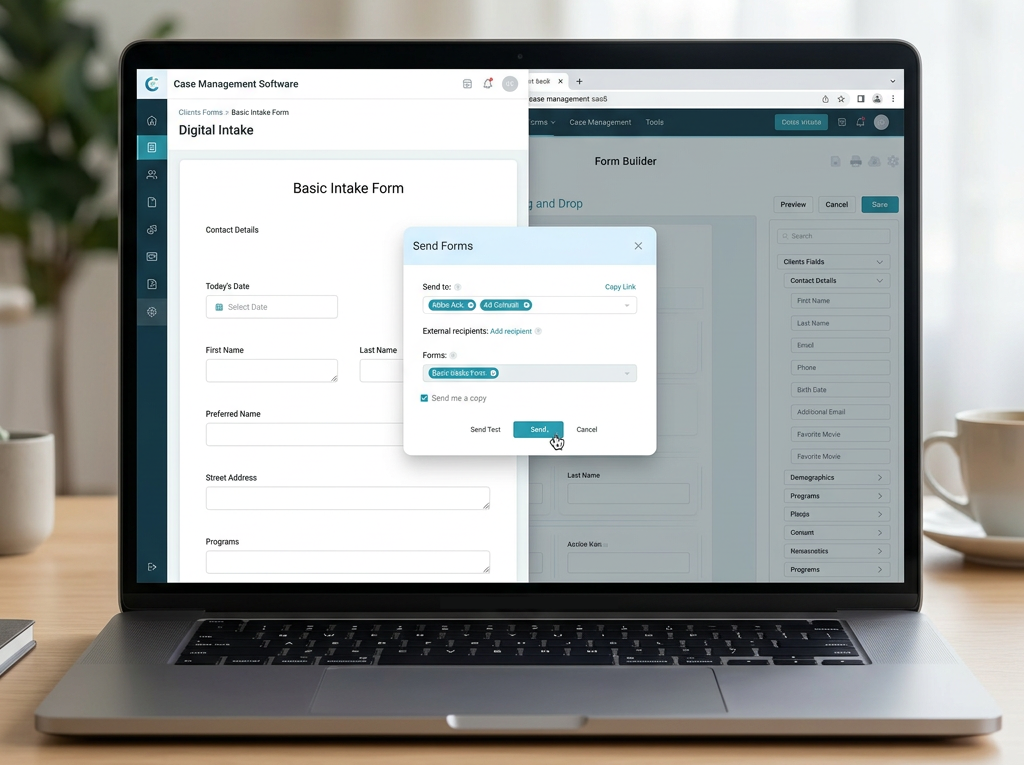
Watch the Case Management Hub Form Builder Tutorial
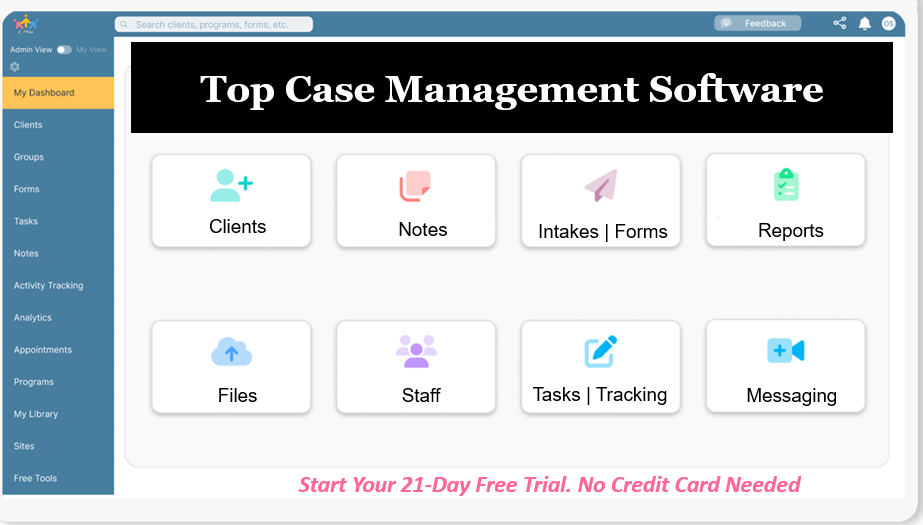
Ready to eliminate administrative headaches and elevate your client experience? Start Your 21-Day Free Trial of Case Management Hub (No credit card required).
Frequently Asked Questions (FAQs)
How do I customize intake forms for minor clients versus adult clients?
To customize intake forms for minors, implement separate templates that capture parent or legal guardian details, legal custody agreements, and informed consent for child treatment. The form should include fields confirming legal decision-making authority, school contact information, and pediatrician contacts, while providing age-appropriate assent sections for adolescent clients where required by state law.
How can group practices manage multiple clinicians with different intake preferences?
Group practices can utilize centralized practice management software that supports role-based permissions and multi-template libraries. This allows clinical directors to establish mandatory compliance policies across the entire organization while granting individual psychologists, LCSWs, or psychiatrists the flexibility to assign specialty-specific questionnaires based on service types.
What steps should I take if a client fails to complete intake forms before their session?
Establish an automated reminder workflow that sends gentle prompts via SMS or email 48 hours and 24 hours prior to the scheduled appointment. If forms remain uncompleted two hours before the session, administrative policy can notify the clinician, allowing your front desk or virtual assistant to contact the client or prompt them to join the portal early to finalize documentation.
Can custom intake templates automatically flag suicidal ideation or crisis indicators?
Many advanced digital form systems allow clinicians to configure alert parameters. If an intake questionnaire includes standard screeners (like the PHQ-9) and a client endorses active suicidal ideation on question 9, the system can display immediate crisis hotline resources (such as 988) on-screen while triggering an urgent notification to the clinical team for proactive outreach.
What are the best practices for collecting mental health family history digitally?
Keep family psychiatric history organized by broad categories rather than dense open-ended text blocks. Provide multi-select checkboxes for conditions like major depressive disorder, bipolar disorder, substance use disorders, and schizophrenia across immediate relatives (parents, siblings, grandparents). This speeds up client completion and gives clinicians an easily scannable genetic overview.
How often should a mental health practice update its standard intake forms?
Practices should audit and update intake documentation at least annually. Regular reviews ensure that practice policies reflect current state laws, telehealth regulations, billing adjustments, and updated clinical assessment screeners. Additionally, gathering quarterly feedback from incoming clients helps pinpoint confusing questions or sections where drop-offs frequently occur.
👉 Try it free today - No credit card needed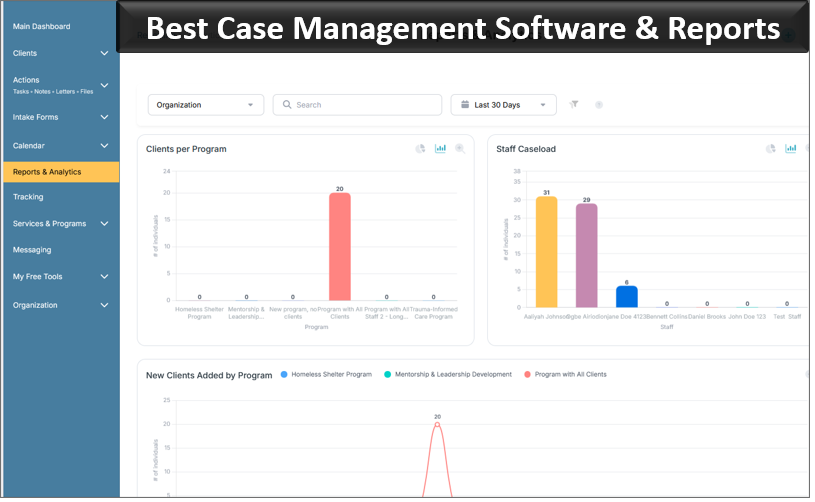
Note: Content on this website (socialworkportal.com) is copyrighted and protected under applicable copyright laws. Unauthorized reproduction, distribution, or use of any content from the website, without explicit written permission, is strictly prohibited. Read: Terms of Use.
Social Work Portal Disclaimer: Social Work Portal is not a social work agency and we do not refer social workers. This web site is provided for educational and informational purposes only and does not constitute providing medical advice or professional social and healthcare services. The information provided should not be used for diagnosing or treating a health problem or disease, and those seeking personal medical advice should consult with ... Read our full disclaimer here: Social Work Portal Disclaimer.