
Helping You Vet a Case Management System for Your Client
If you’re evaluating case management platforms on behalf of a client, whether that’s a nonprofit, crisis center, or social services organization, this page answers the questions we hear most often from consultants doing due diligence.
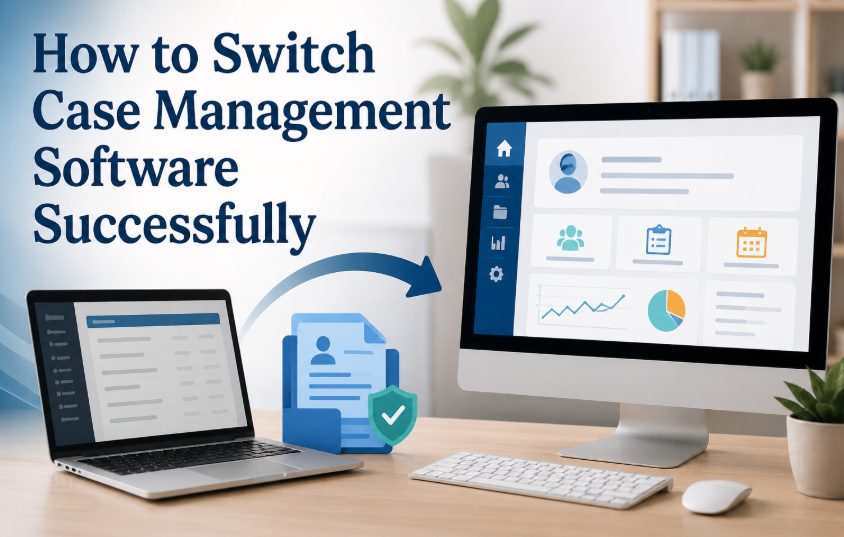
How Data Migration Works
Moving from your client’s current system doesn’t require a rebuild from scratch. Here’s the typical path:
- Review the data import spreadsheet. We start by reviewing the export from your client’s old platform and identifying any custom fields that need to be added to the Client Profile.
- Import client records. Once custom fields are mapped, the import template accounts for them and client data import is typically straightforward.
- Recreate or import forms. Any forms your client uses can be rebuilt as digital forms in Case Management Hub. Older form submissions can also be imported so historical responses aren’t lost.
- Import case notes. Case notes follow a similar import process to forms, preserving the case history your client has built over time.
We regularly work with organizations bringing over multiple years of historical data. Five or more years of records is a common scenario, not an edge case.
What Support Looks Like During Onboarding
Your client won’t be left to figure this out alone. Our team walks through the entire onboarding process step by step, including field mapping, form setup, and data import.
For clients who prefer a more hands-off approach, we also offer professional services hours as an add-on. This means our team can handle the customization and data import directly, so your client’s staff can stay focused on their work instead of the technical setup.
Security and Compliance
Case Management Hub is HIPAA compliant, and client data is encrypted to keep sensitive information secure. Full details are available on our Security page, which we’re happy to share directly with your client for their own review.
All-in-One Case Management Software
Sign Up Today, Free
No credit card needed!
Do You Have a Team? | ||
Our best all-in-one client and top case management software simplifies everything from client intake and assessments to programs, projects, goals tracking, planning, scheduling, documentation, reporting dashboard, and progress tracking.
Why Organizations Choose Case Management Hub When Switching Platforms
Organizations moving from platforms like Bonterra Apricot choose Case Management Hub for a straightforward migration process, transparent onboarding, and a system built to scale with multi-year case histories. If your client is comparing options, we’re glad to be part of that evaluation.
Next Steps
Request a quote or start a trial using the links below, or reach out directly with any technical questions about migration timelines, custom fields, or historical data import.
All-in-One Case Management Software
Sign Up Today, Free
No credit card needed!
Do You Have a Team? | ||
Our best all-in-one client and top case management software simplifies everything from client intake and assessments to programs, projects, goals tracking, planning, scheduling, documentation, reporting dashboard, and progress tracking.
Ready to Switch to a Better Case Management System?
Changing case management software does not have to be confusing or disruptive. A structured migration and onboarding process can help your organization preserve important client records, recreate essential forms, train staff, protect sensitive information, and transition to a more flexible platform.
Case Management Hub supports organizations throughout the process, from initial configuration and data migration planning to form creation, staff onboarding, and launch.
To see the platform in action, request a personalized live demo at https://casemanagementhub.org/request-live-demo/.
To review plans, pricing, and free trial options, visit https://app.casemanagementhub.org/pricing.
To learn more about data protection, privacy, and platform security, visit https://casemanagementhub.org/security/.